
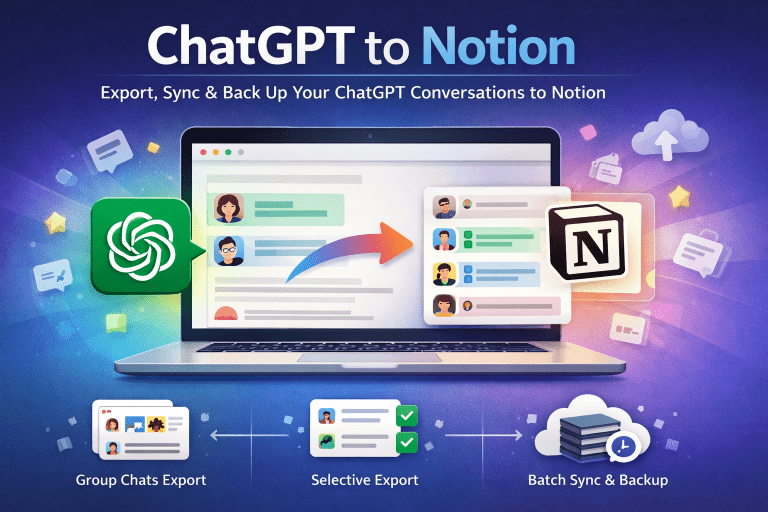
Batch exporting ChatGPT conversations to Notion is a game-changer for knowledge management. Here’s how to do it.
Why Batch Export?
Instead of saving conversations one by one, batch export lets you select multiple chats and save them all at once.
Step-by-Step Guide
- Install the ChatGPT to Notion extension
- Open ChatGPT and navigate to your chat history
- Click the batch export button
- Select the conversations you want to save
- Choose your Notion database
- Click “Export All”
Pro Tips
- Use filters to select chats by date range
- Enable auto-tagging for better organization
- Set up duplicate detection to avoid saving the same chat twice