
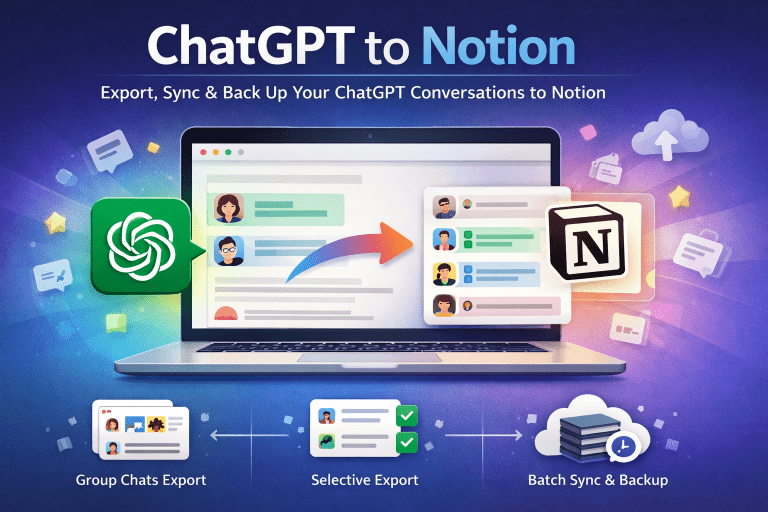
Why Backing Up PerplexityAI Conversations Matters
PerplexityAI is quickly becoming a go-to tool for research, learning, and everyday problem-solving. But one limitation remains: your valuable chats are locked inside the platform. There’s no official way to back up your conversations — and that means:
- You could lose important insights if they’re deleted or inaccessible.
- You can’t search or organize older discussions efficiently.
- Collaboration with teammates or classmates is difficult. For researchers, students, and knowledge workers, this creates real risk. That’s why having a secure, reliable backup method is essential.
Local Backup vs. Cloud Sync
When thinking about secure backups, two common approaches stand out:
🔒 Local Backup
- Export chats to Markdown files.
- Store them on your device or external drive.
- Accessible offline — no internet required.
- Maximum privacy, since data stays local.
☁️ Cloud Sync (Notion Integration)
- Sync PerplexityAI conversations directly into Notion.
- Build a searchable knowledge base.
- Easy to organize, tag, and share with others.
- Perfect for teams or collaborative projects. The best approach? Combine both. Export locally for maximum security, and sync to Notion for productivity and collaboration.
One-Click Secure Backup with a Chrome Extension
The easiest way to achieve this dual backup is with the Perplexity to Notion — Batch Export Chrome extension.
With one click, you can:
- 📦 Bulk export all PerplexityAI conversations.
- 📥 Download clean Markdown files for offline storage.
- 🔄 Sync conversations into Notion pages automatically.
- 🏢 Export Spaces threads for team knowledge management.
- 🔐 Enjoy privacy — everything is processed locally in your browser.
Who Benefits Most from Secure Backups?
- Researchers: Archive discussions and references for academic work.
- Students: Save study Q&As and explanations as permanent notes.
- Knowledge workers: Organize AI-generated insights into daily workflows.
- Teams: Share PerplexityAI Spaces conversations securely in Notion.
Final Thoughts
Your AI conversations are more valuable than you think. They’re research notes, study guides, brainstorming partners, and project records. Don’t risk losing them.
The best way to back up PerplexityAI chats securely is to:
-
Export locally for privacy.
-
Sync to Notion for productivity.
👉 Try it now:
- Chrome Web Store: Perplexity to Notion — Batch Export
- Website: chatgpt2notion.com/perplexity-to-notion