
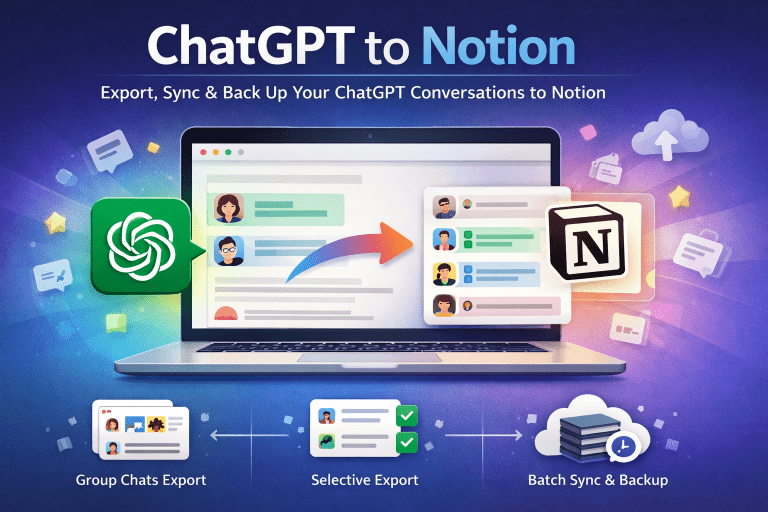
What Is Batch Export?
When you’ve been using PerplexityAI for weeks or months, your chat history quickly piles up. Inside those conversations are valuable research notes, study explanations, and brainstorming insights.
But there’s a problem: without a proper export tool, you’re left with manual copy-and-paste. Not only is this time-consuming, but it also risks formatting issues and missing content.
That’s why batch export matters. Instead of exporting chats one at a time, batch export means saving all your PerplexityAI conversations at once, neatly organized and ready to use.
How It Works with PerplexityAI
With the Perplexity to Notion – Batch Export Chrome extension, exporting is no longer a chore. Here’s how it works:
- Install the Extension
- Sign in to PerplexityAI
- Click Once to Export All Chats
- Organize & Archive
Who Benefits Most?
👩🎓 Researchers
- Need to archive academic conversations.
- Keep references and discussions searchable.
- Build a permanent research database.
👨👩👧 Teams
- Export and back up Spaces threads.
- Perfect for collaboration and knowledge sharing.
- Prevents important discussions from getting lost.
📚 Students
- Save study notes, Q&As, and explanations in bulk.
- Review past sessions without scrolling endlessly.
- Organize into Notion or Obsidian for exam prep.
Final Thoughts
The PerplexityAI Batch Export Tool eliminates the pain of manual copy-paste and makes your entire chat history available in one click. Whether you’re a researcher archiving data, a team collaborating in Spaces, or a student organizing study notes, batch export ensures your AI-powered insights are always secure, searchable, and ready to use.
👉 Try it today:
- Chrome Web Store: Perplexity to Notion – Batch Export
- Website: chatgpt2notion.com/perplexity-to-notion